

Your task list – get it done together instead of discussing
No more "Who does what?" chaos: With soonish you collect tasks, check them off together, and finally have transparency – no registration, no discussion.
No account needed • Join with share code • Decide in seconds


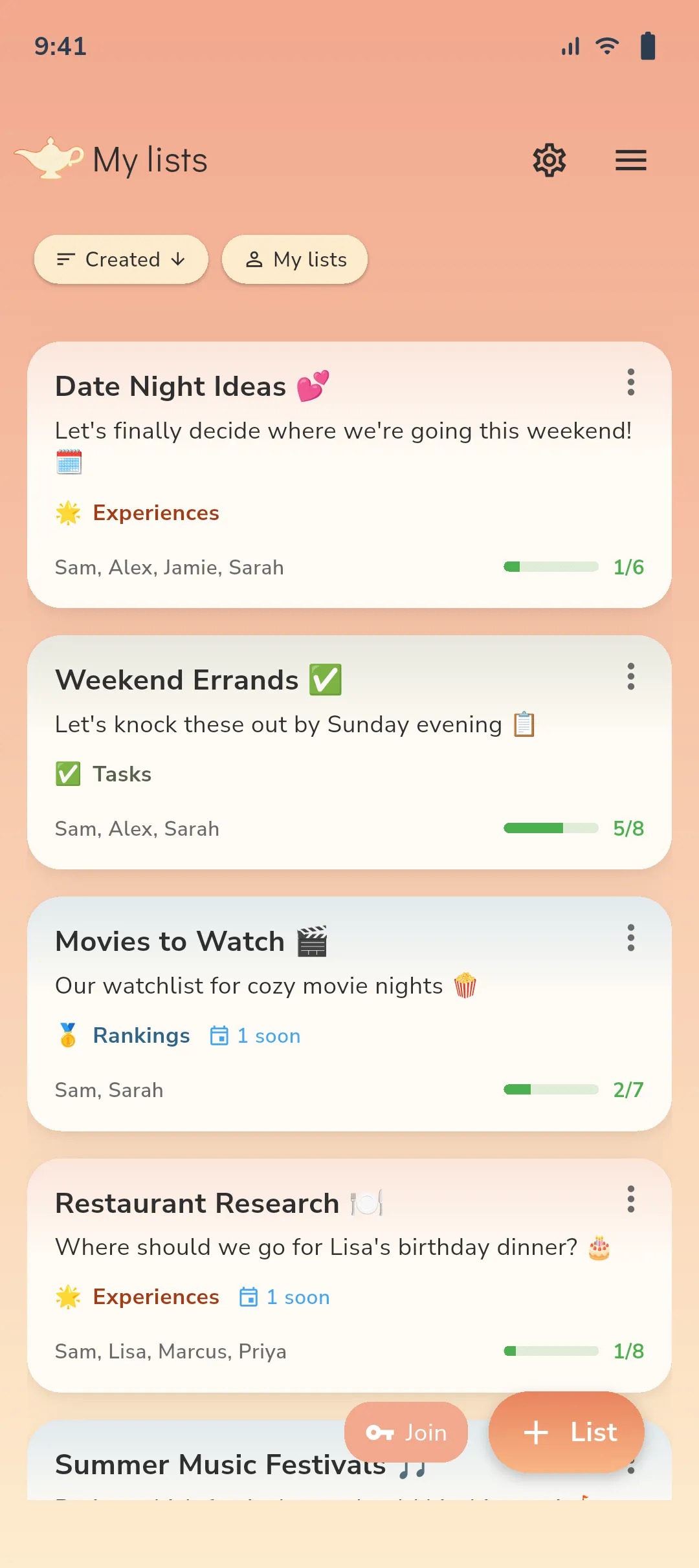
Loved by roommates & families – finally clear task distribution.


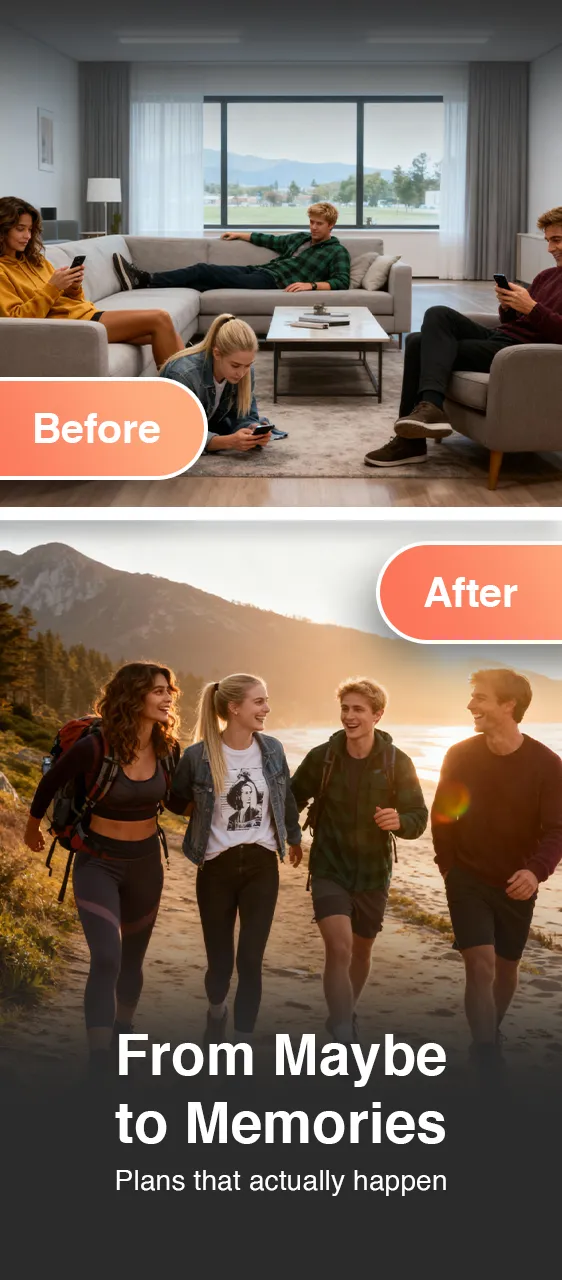
Discussion Marathon Discussion Marathon vs. Just get it done
Before
- ❌ Who does what? → Chat chaos
- ❌ Tasks get lost or forgotten
- ❌ Unclear responsibilities = conflict
- ❌ Completed tasks nowhere documented
Now
- ✅ All tasks central & clear
- ✅ Simple checkboxes instead of coordination
- ✅ Transparency for everyone involved
- ✅ Progress traceable
How it works
-
1) Start list ✨
Create new task list, share link – no registration.
-
2) Collect tasks 📝
Everyone adds: title, deadline, notes – all in one place.
-
3) Check off together ✅
Simple checkboxes, no complex voting – just get it done.
-
4) Done & archived 📦
Keep track of what's accomplished – history visible to all.
Experiences from roommates & families

"No more discussion about who takes out the trash – just check it off."

"Finally everyone sees what needs to be done. Kids check off themselves."

"Coordinating maintenance tasks – without constant follow-ups."
Ready for your task list?
Join now as early adopter – get free access forever.
Start in under 10 seconds, no account needed.
Frequently asked questions about task lists
What is a shared task list? +
A central list with all tasks for your roommates, family, or team. Everyone adds tasks, checks them off, and keeps track – without chat chaos.
Do I need an account for the to-do list? +
No. soonish works without registration. Create list, share link, done.
Can we add deadlines? +
Yes. Each task can have an optional deadline – e.g., "by Thursday" or "12/20/2025".
How is a to-do different from emoji voting? +
To-do lists are for clear tasks: Just check off, done. Use emoji voting for emotional decisions (restaurants, movies). Choose based on your needs!
Can we assign tasks to a person? +
Use the description or tags for responsibilities (e.g., "@Tom"). Everyone in the list sees who's up – without technical assignment.
What happens to completed tasks? +
Completed tasks stay visible (greyed out) so everyone can see: We accomplished that. You can filter or archive them later.
Can we prioritize tasks (urgent/important)? +
Use sorting (e.g., by date) or create separate lists: "Urgent", "This Week", "Optional". This keeps everything organized.
Does it work for recurring tasks? +
Add tasks manually or copy them. For weekly tasks (e.g., "take out trash"), you can maintain a separate weekly list.
Can multiple people check off simultaneously? +
Yes. soonish syncs in real-time – everyone sees immediately when someone checks off a task.
How do we keep track of responsibilities? +
Add names to tasks (e.g., "Clean kitchen – @Lisa") or use separate lists per person. Transparency for all!
Can outsiders see our list? +
Lists are only accessible via your shared link. Only share the link with people you want to invite.
Are there push notifications for new tasks? +
Yes. You'll receive push notifications when someone adds or completes a task. You can customize notification settings in the app.
Can we create multiple to-do lists (Household, Work, etc.)? +
Yes. Create as many lists as you want – e.g., "Household Chores", "Renovation", "Shopping List", "Project Management". Everything stays organized.
What's better: To-do or Priority mode? +
To-do for clear tasks (household, errands). Priority mode for decisions with ranking (1-6 scale). Choose based on your use case!